Editing Pixel Art: Bringing Authentic Retro Magic to Modern Digital Canvases
There is an undeniable warmth in low-resolution graphics. Long before screens packed millions of microscopic pixels into palms and laptops, artists worked within the delightful constraints of memory banks, cathode-ray tubes, and tight 16-color palettes. Every single square of colour had to pull its weight. A single misplaced pixel could turn a determined knight into a smudge of confusion.
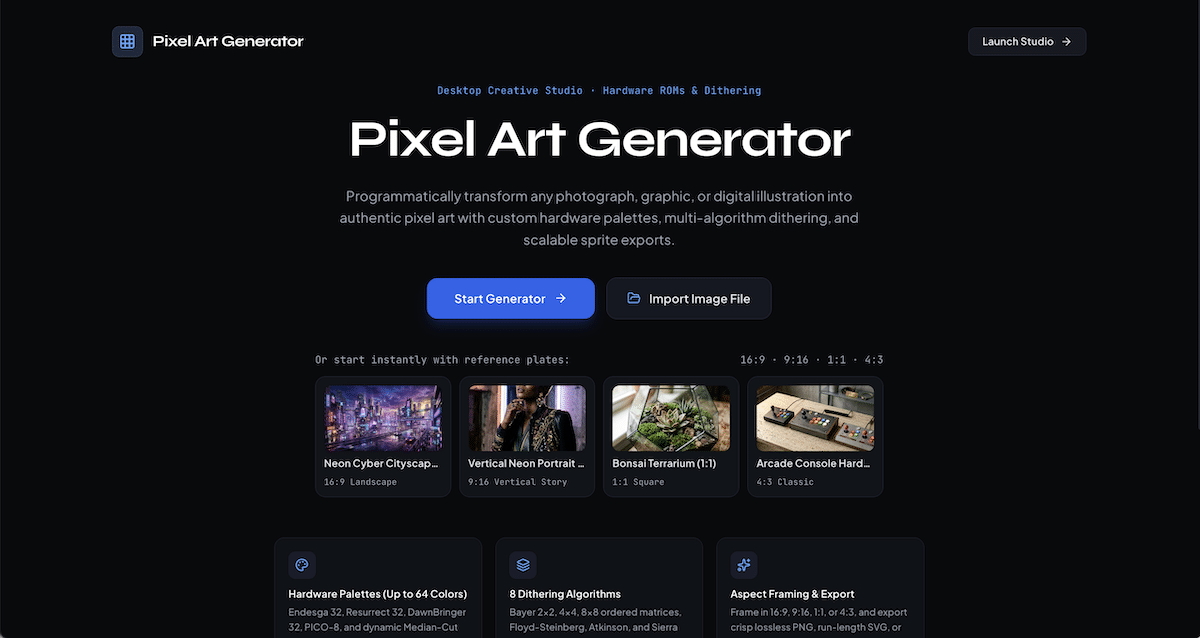
As we kick this year’s fall and winter programming, we found ourselves returning to that timeless visual language. We love pixel art … not just as a nostalgic nod to classic consoles, but as a deliberate, expressive craft that strips away visual clutter and focuses on pure form, contrast, and color balance. We wanted a tool we could open up on a desktop, drag an image into, and immediately start experimenting with without digging through bloated menus or confusing setup screens. That curiosity became our newest studio release: the Pixel Art Generator.
The Joy of Visual Reduction: Why Pixel Art Still Resonates
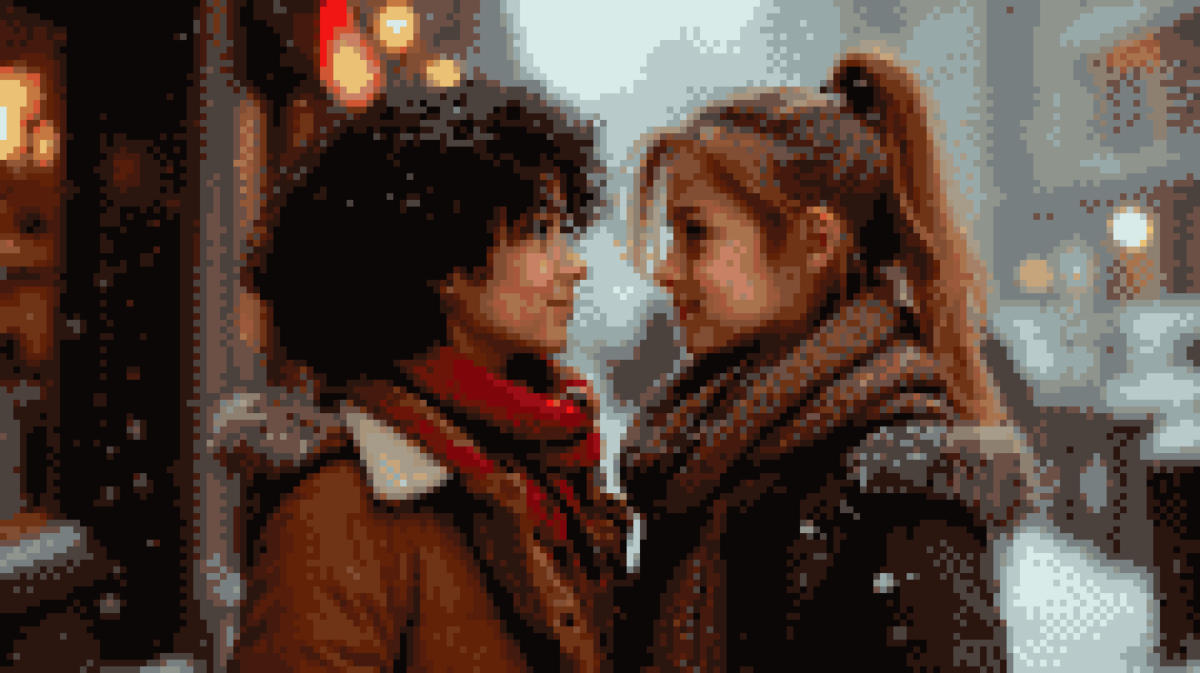
In an era where digital cameras capture ungodly amounts of detail, reducing an image down to its essential geometry is surprisingly meditative. Taking a wide-angle city photograph or a studio portrait and watching it resolve into crisp, chunky mosaic tiles reveals the core rhythm of light and shadow.
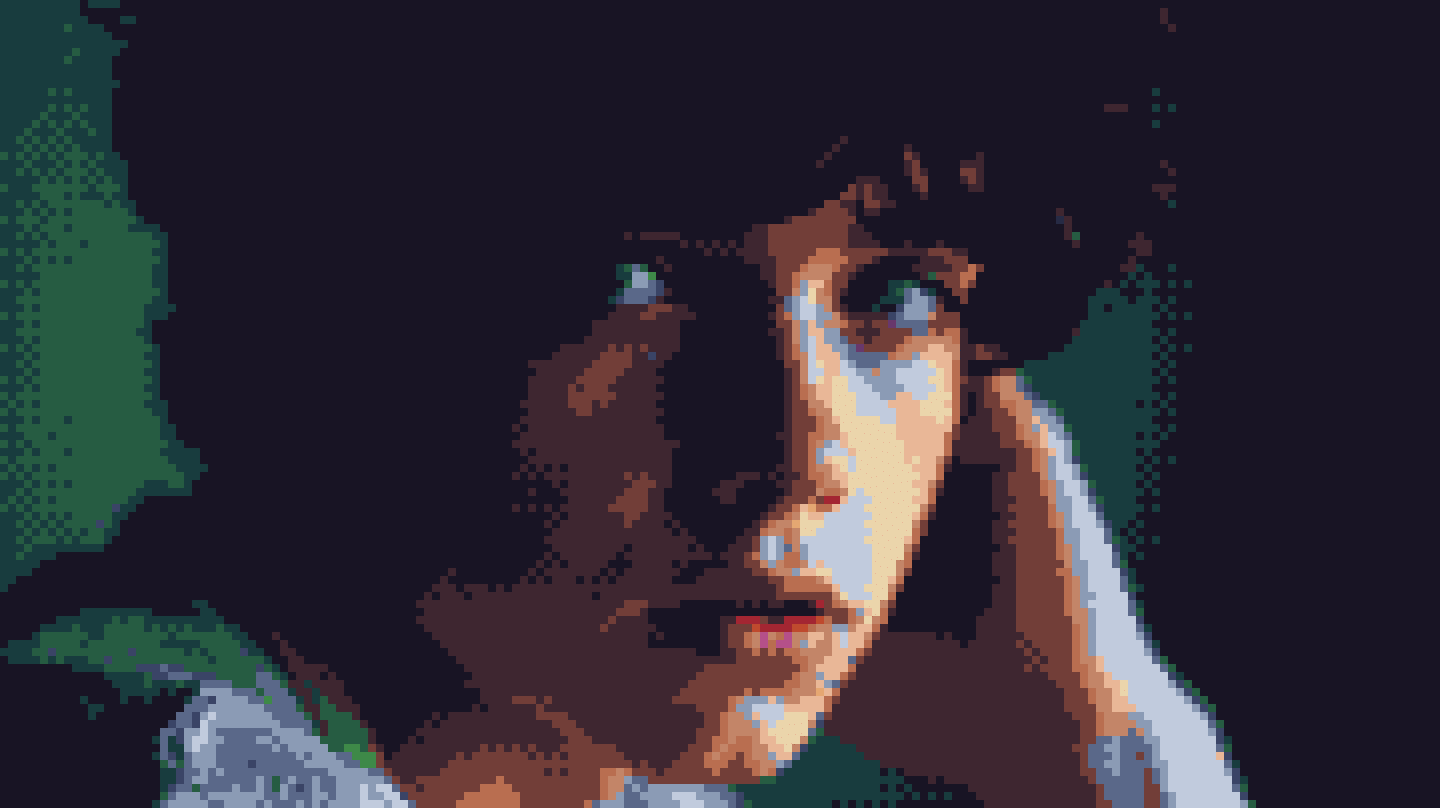
When we started mapping out what our ideal generator should look like, we knew we did not want a generic, muddy blur filter. Traditional photo filters often smudge colors together, leaving you with blurry squares that look like a broken video stream rather than authentic pixel art. Real pixel art has intention: sharp borders, distinct color clusters, and mathematical dithering patterns that trick the human eye into seeing smooth gradients where only a handful of distinct inks exist.
Building this tool allowed us to blend raw mathematical algorithms with the fluid, tactile joy of a modern desktop creative workspace.
Inside the Studio: Core Features Built for Creators
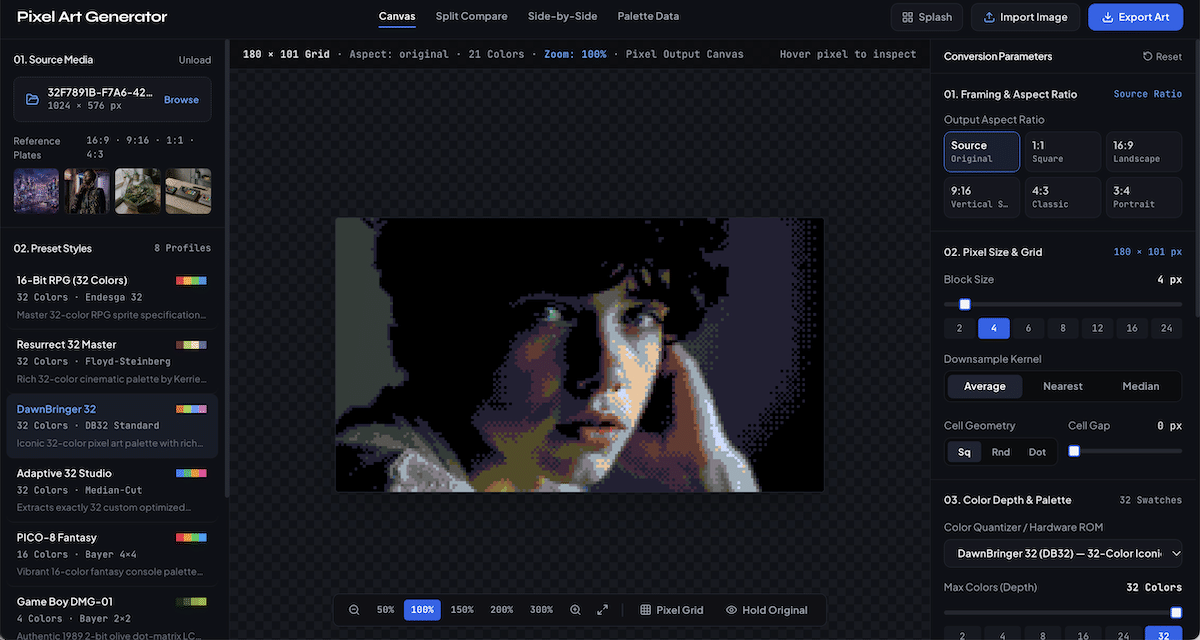
We designed the Pixel Art Generator to feel like an analog soundboard or a dedicated drafting table. Everything you need lives right on the screen, reacting instantly as you tweak sliders and switch profiles.
1. Multi-Aspect Framing & Interactive Crop Panning
Not every image begins in the shape you need for your final piece. The studio gives you one-click framing presets for widescreen landscapes (16:9), social mobile stories (9:16), balanced squares (1:1), and retro CRT monitor proportions (4:3 and 3:4). When you drop a widescreen image into a vertical 9:16 frame, you do not have to settle for an automated center crop. You can grab the canvas directly and drag the picture under the frame to pinpoint the exact focal point—whether that is a character’s face, a glowing neon sign, or an architectural detail.
2. Authentic Hardware Palettes & Adaptive Color Quantization
Color choice defines the soul of retro art. The generator includes iconic historical color sets, including the emerald greens of the original Game Boy DMG, the dreamy 16-color fantasy palette of PICO-8, Commodore 64 earth tones, and modern master palettes like Endesga 32, Resurrect 32, and DawnBringer 32. For photographs that require custom treatment, the engine runs dynamic median-cut quantization, allowing you to restrict color depth anywhere from an intense 2-color monochrome study up to a lush 64-color palette.
3. Eight Algorithmic Dithering Modes
To capture the look of classic printmaking and vintage graphics cards, the tool features eight distinct ordered and error-diffusion dithering algorithms. You can toggle between structured Bayer 2×2, 4×4, and 8×8 matrices for clean geometric crosshatching, or engage Floyd-Steinberg, Atkinson, and Sierra Lite diffusion for organic, hand-stippled shading transitions. An intensity slider lets you blend the dither effect from subtle texture to full retro crunch.
4. Sprite Ink Outlines & Visual Contrast Grading
To give sprites and game assets distinct character silhouettes, the engine includes a programmatic edge detector that applies ink outlines along steep luminance boundaries. Combined with real-time contrast, saturation, and brightness boosters, you can turn a low-contrast photo into a punchy, arcade-ready visual in seconds.
5. Hardware-Accelerated Zoom & Live Pixel Inspection
The workspace features a GPU-driven transform zoom that lets you scale your canvas smoothly from 25% overview mode up to 500% micro-inspection. Hovering anywhere over the active grid displays live grid coordinates, RGB values, and exact hex color swatches. Clicking any swatch in the sidebar lets you remap that individual ink across the entire canvas in real time.
6. Production-Ready Multi-Format Exports
When you are ready to use your artwork, the export suite offers lossless upscaled PNG sprites (from 1× native resolution up to 16× high-definition presentation files), run-length optimized SVG vector files for infinite scaling in print or web design, and structured JSON matrices for game developers importing directly into custom game engines.
From Photograph to Sprite: A Frictionless Creative Workflow
One of our guiding principles for this project was zero barrier to entry. There are no accounts to create, no heavy installations, and no complicated menus.
You can drag any image file—PNG, JPEG, WebP, GIF, or SVG—straight from your desktop onto the canvas, or paste an image directly from your clipboard using standard keyboard shortcuts. If you just want to play around and explore, the sidebar includes curated reference plates spanning architectural landscapes, analog synthesizer setups, and macro botanicals to jumpstart your inspiration.
From there, you simply pick a starting preset, adjust your pixel block size to find the right level of abstraction, pick a palette that matches the mood of your piece, and fine-tune your dithering spread. A hold-to-peek spacebar feature lets you flash back to the uncompressed original image at any moment to see how much detail you have captured.
Crafting Digital Playgrounds for the Community
Building the Pixel Art Generator has been a rewarding highlight of our early Fall 2026 studio experiments. Every weekend on Saturdays, we get together to experiment and explore together. It represents what we care about most: taking complex creative coding techniques, stripping away the friction, and turning them into accessible digital playrooms that anyone can enjoy.
Whether you are designing backgrounds for an indie video game, prototyping merchandise illustrations, teaching color theory, or simply enjoying the nostalgic thrill of turning your weekend photos into 8-bit artifacts, we hope this generator sparks some creative joy.
To explore more of our digital art experiments, educational resources, and upcoming community workshops, visit us online at artsincubator.ca.